

Become the AI expert every business needs.
AI is changing how the world works—and businesses need people who know how to use it.
Build practical AI skills, create real solutions, and prepare yourself for new career opportunities with Prompted Academy.
No technical background required. Learn at your own pace.
AI is creating a new generation of experts.
Businesses of every size are looking for people who can help them understand and use AI.
From local contractors and restaurants to marketing agencies, healthcare organizations, retailers, and global companies, nearly every industry is exploring how AI can save time, reduce costs, and create new opportunities.
You do not have to be a programmer or data scientist to become valuable in this growing field. You need practical skills, the right tools, and the confidence to solve real problems.
Prompted Academy helps you build those skills step by step.

Change your career. Increase your value. Build your future.
Learning AI can help you become more valuable in your current role, qualify for new opportunities, start a service business, or build products of your own.
With the right skills, you can learn how to
- Automate repetitive business tasks
- Build websites and applications with AI
- Create stronger marketing content and campaigns
- Improve customer service and internal operations
- Analyze information and make better decisions
- Help businesses adopt AI responsibly
- Turn your knowledge into valuable services
AI is not limited to one job or industry. It is becoming a skill that can be applied almost anywhere.

You do not need to start over.
You already have experience, knowledge, and skills. AI helps you multiply them.
Prompted Academy teaches you how to combine AI with what you already know.
Learn skills you can actually use.
Skip the confusing technical language and endless theory. Our learning paths focus on practical skills you can apply immediately.
AI Foundations
Understand how modern AI tools work, what they can do, and how to use them effectively.
Prompt Engineering
Learn how to communicate with AI clearly and consistently to produce better results.
AI App Building
Turn your ideas into working websites, tools, and applications—even if you are not an experienced developer.
AI Automation
Discover how to automate repetitive tasks, connect workflows, and improve business operations.
AI for Business
Learn how to identify valuable AI opportunities and create solutions businesses are willing to pay for.
Responsible AI
Understand privacy, security, accuracy, copyright, and the limits of AI-generated work.
Every learning path.
Browse the full catalog and start with the path that matches your goals.

AI App Builder Foundations
Prompt like a builder, not a dreamer
The true entry course for anyone using an AI app builder. Learn how AI builders interpret prompts, why vague requests create messy apps, and how to break a big idea into clear, buildable steps. Platform-agnostic — works whether you use Base44, Lovable, Bolt, or any AI builder.

Prompting Pages, Layouts, and UI
Describe the interface clearly so the builder creates what you actually mean.
Learn how to prompt AI app builders to create cleaner pages, better layouts, and more consistent UI without fighting the tool. You'll learn the language of layout, component-based prompting, responsive design, reference-based prompting, and how to revise broken UI without starting over.

Fixing Bad AI Builds
Turn bad outputs into working builds — without starting over.
Learn how to recover when the builder gives you the wrong result. Diagnose why the AI ignored your prompt, tighten your revision requests, fix broken layouts, data, and flows, and decide when to patch vs. rebuild. For anyone tired of wasting credits retrying random prompts.

AI Automations for No-Code Builders
Build smarter no-code workflows — triggers, actions, approvals, and AI-assisted steps.
Learn how to describe useful automations clearly so AI app builders can create workflows that actually work. Triggers and actions, notifications, lead intake, status changes, approvals, and where AI fits safely inside internal tools.

Builder Mindset for Vibe Coders
Think like a builder. Prompt like a super user.
Learn how to build with more structure and less chaos on no-code AI tools like Base44, Lovable, and Bolt. Map pages, plan data, build in phases, test one thing at a time, and repair without wrecking what works.
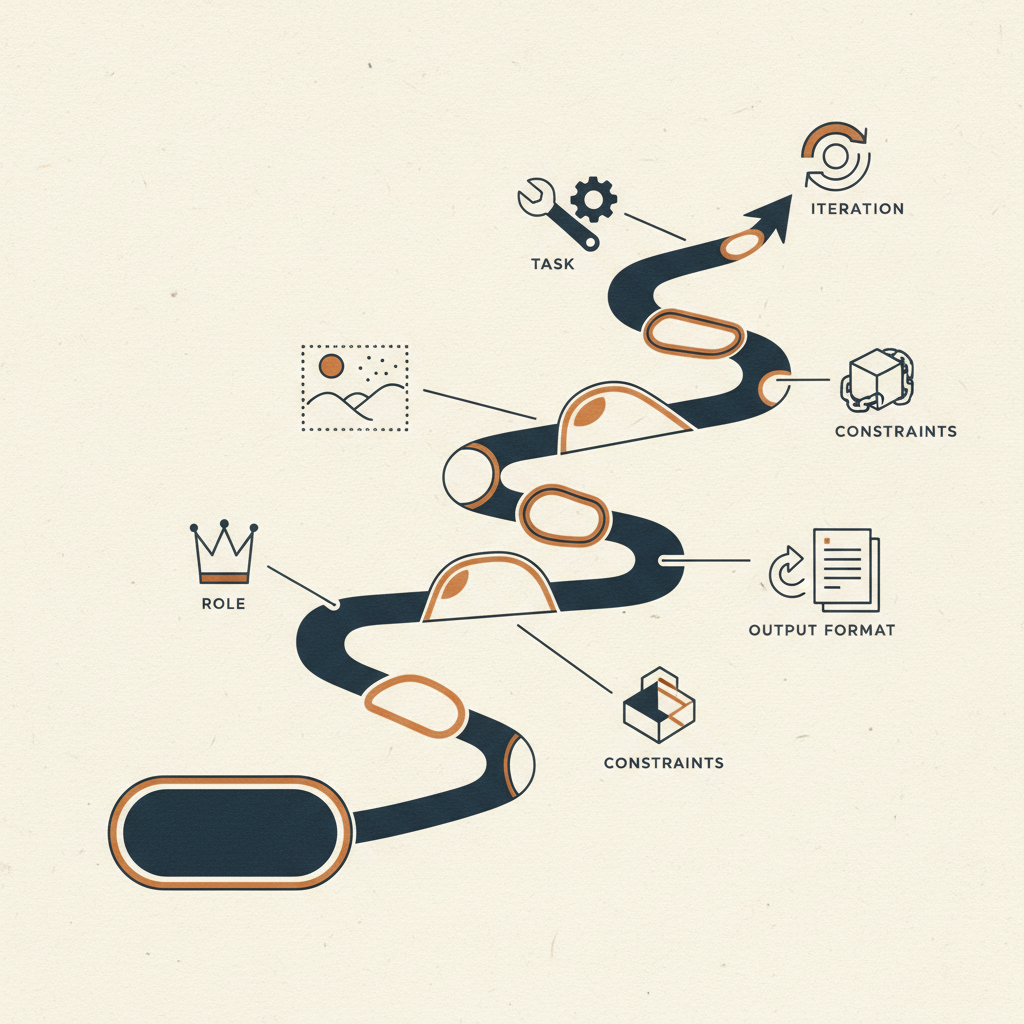
Foundations
Learn how prompts actually work
Start here. Master the fundamentals of writing prompts that consistently work — role, task, context, constraints, output format, and iteration.
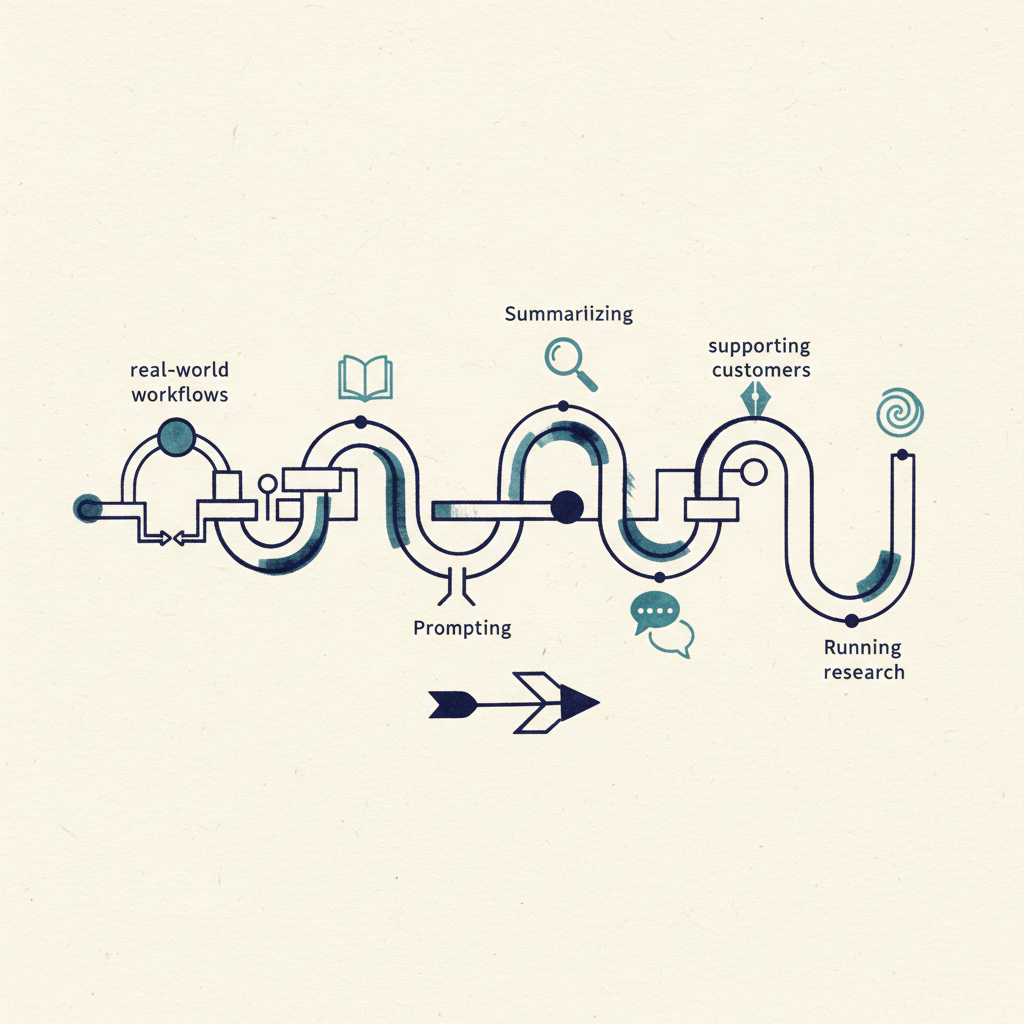
Real-World Workflows
Prompting for business tasks
Apply prompting to the real jobs people do every day: summarizing, extracting, writing, supporting customers, and running research.
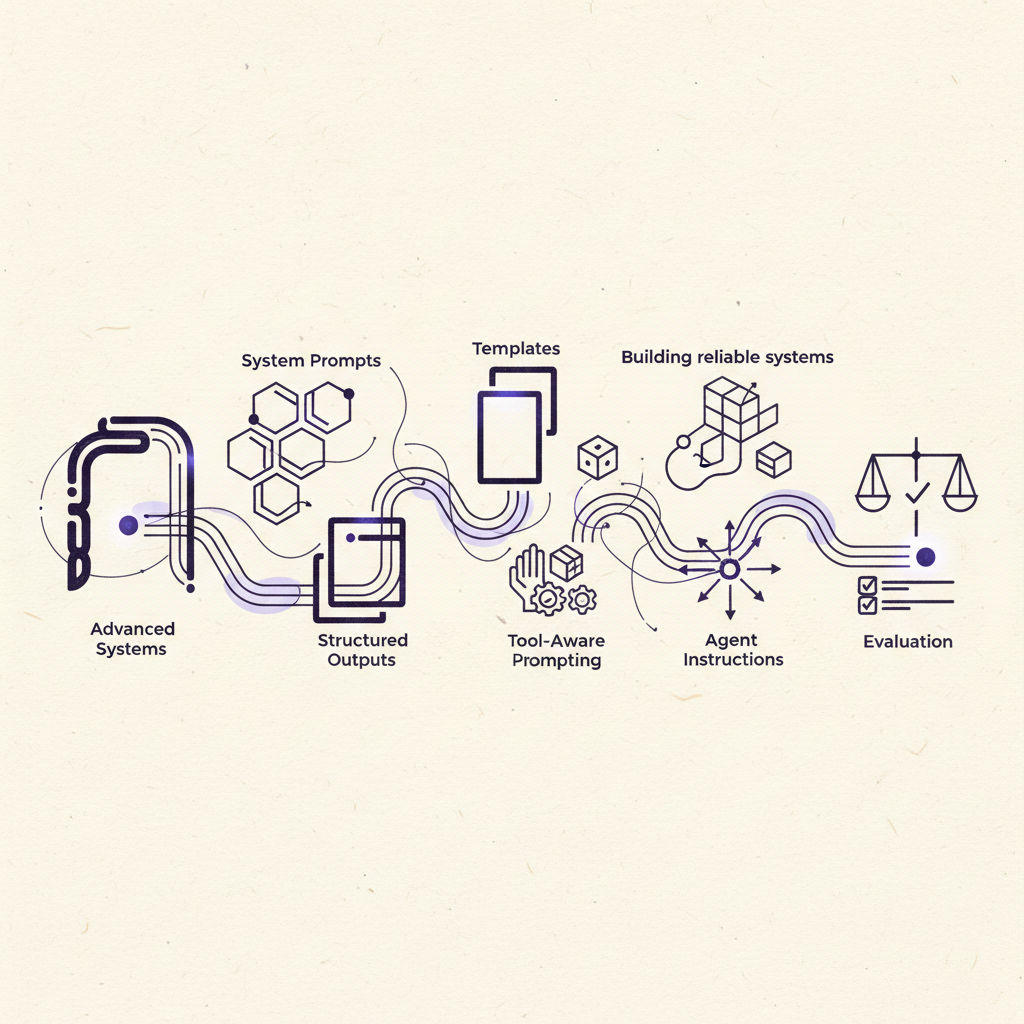
Advanced Systems
Building reliable prompt systems
System prompts, templates, structured outputs, tool-aware prompting, agent instructions, and evaluation.

Base44 Prompt Engineering
Vibe-code real systems by prompting well
Learn how to get Base44 to build exactly what you mean. This course is about the prompts — not the code. You'll move from basics to advanced system-level prompting, with a capstone project you build alongside the course.

Getting Started with Lovable
Learn the platform, then prompt it well
Learn the platform, start projects the right way, and stop wasting credits on bad prompts. Understand Lovable's workspace, plan before you build, and make clear, scoped requests instead of vague, oversized prompts.

Prompting for Base44 Builds
Write clearer prompts for pages, features, revisions, and bug fixes so the builder gives better results faster.
Learn how to prompt Base44 with more precision so you get stronger first builds, cleaner revisions, and faster fixes. This path teaches users how to describe pages, flows, data, constraints, and design intent in a way the builder can act on without confusion.

Using Discuss Mode Before You Build
Plan flows, features, and structure before spending credits or touching the live app.
Learn how to use Discuss Mode to shape better requirements before the builder starts changing your app. This path helps users think through audience, flows, constraints, roles, and feature priorities so the first working version is stronger from the start.

Designing Better UI in Base44
Create cleaner layouts, stronger hierarchy, and more polished screens without fighting the builder.
Learn how to describe and refine UI in Base44 so pages feel structured, modern, and usable across devices. This path focuses on spacing, hierarchy, sections, alignment, responsive behavior, and visual cleanup.

Fixing Bad Base44 Outputs
Turn messy builds into working apps without starting over.
This path teaches users how to recover when Base44 gives the wrong result, half-builds a feature, creates weak layout choices, or introduces logic issues. It focuses on diagnosis, correction prompts, revert strategies, and smarter iteration.

Planning Data Before Prompting
Think through records, entities, ownership, and relationships before you ask Base44 to generate the app.
Learn how to map the data side of an app before prompting the builder. This path helps users define entities, fields, relationships, permissions, and flows so the app structure is stronger from day one.

Authentication and User Management in Base44
Build sign-up, login, roles, profiles, and protected areas with more confidence.
Learn how to structure authentication flows and user access patterns inside Base44. This path covers account creation, login, profile setup, roles, permissions, restricted pages, and common account management flows.

File Uploads and Storage Systems
Build apps that handle images, PDFs, documents, and user assets the right way.
This path teaches users how to structure upload workflows inside Base44 for forms, profiles, portals, submissions, and media-heavy apps. It focuses on storage planning, upload states, preview flows, and access control.

Emails, Notifications, and Onboarding Flows
Use Base44 to send welcome emails, reminders, alerts, and user follow-ups that keep people engaged.
Learn how to build onboarding and notification systems that support user activation and retention. This path covers welcome flows, reminders, update emails, activity alerts, and behavior-based communication patterns.

Building Payment and Subscription Flows
Create paid access, checkout, subscriptions, and upgrade paths that make sense for real products.
Learn how to structure monetization flows in Base44 using payment and subscription patterns. This path teaches pricing pages, free vs paid access, checkout flows, upgrade logic, billing states, and subscription UX.

Integrations in Base44
Connect external tools and services without losing control of the product experience.
This path teaches users how to think about integrations in Base44, including when to connect a service, how to structure workflows around it, and how to avoid fragile app behavior. It covers native integrations, external services, and API-key-based setups.

Workflow Automation in Base44
Create approval flows, logic chains, and internal automations that reduce manual work.
Learn how to design workflows inside Base44 that connect triggers, actions, conditions, and outcomes. This path helps users think in systems instead of single prompts and introduces the logic behind automating recurring tasks.

Building Internal Tools with Base44
Use Base44 to create dashboards, CRUD systems, admin actions, and operational tools for teams.
This path focuses on one of the most valuable Base44 use cases: internal tools. Users learn how to structure data-heavy apps with tables, filters, statuses, dashboards, permissions, and practical team workflows.
Building Client Portals with Base44
Create secure client-facing portals with auth, uploads, statuses, documents, and messaging.
Learn the repeatable structure behind client portals in Base44. This path shows users how to combine authentication, storage, forms, statuses, and user-specific views into a polished portal experience.

Base44 Superagents
Build AI agents that monitor, decide, and take action across your tools.
Learn how to create and manage Base44 Superagents that work in the background, respond to events, connect to tools, and automate real business workflows. This path helps users move from simple AI chat usage into always-on agents with memory, connectors, tasks, and automation logic.

Version Control and Safe Iteration
Experiment, compare changes, and roll back safely without losing good work.
This path teaches users how to iterate inside Base44 with less risk. It focuses on reverting changes, editing earlier prompts, comparing iterations, and building habits that protect stable work while allowing exploration.

Testing and QA in Base44
Validate features, catch problems earlier, and improve app quality before users do it for you.
Learn how to test a Base44 app with more discipline. This path covers manual QA, bug reproduction, feature validation, prompt-based testing assistance, and better habits for catching issues before launch.

Analytics and App Growth Tracking
Read product signals, understand user behavior, and improve the app with real feedback.
This path teaches users how to use analytics inside Base44 to understand traffic, usage, engagement, and product performance. It focuses on turning metrics into decisions instead of just watching numbers.

Real-Time Collaboration in Base44
Build with teammates more effectively using shared workflows, reviews, and safer handoffs.
Learn how to collaborate inside Base44 when more than one person is involved. This path covers team roles, review habits, ownership, communication, and keeping a shared app organized while changes are happening quickly.

Responsive Design for Base44 Apps
Make your app feel clean and usable across desktop, tablet, and mobile.
This path focuses on how Base44 adapts layouts for different screen sizes and how users can guide that process more intentionally. It teaches mobile-first thinking, layout tradeoffs, and practical prompt patterns for responsive cleanup.

Custom Domains and Launch Readiness
Publish with more confidence using production checks, domain setup, and trust-building basics.
Learn what to review before sending real traffic to a live Base44 app. This path covers publishing, custom domains, visibility settings, launch checks, and the practical items that make an app feel ready.

Base44 Backend Platform Essentials
Understand how Base44's backend works for full-stack, mobile, headless, and hybrid products.
This is the advanced path that explains the backend side of Base44 more clearly. Users learn what the platform handles, where serverless functions fit, and how to think about Base44 as more than just a visual app builder.

Serverless Functions and Custom Logic
Know when the visual builder is enough and when custom backend logic is the right move.
Learn how Base44 functions extend the platform for webhooks, scheduled jobs, automation, processing, and advanced business logic. This path gives users a practical mental model for when to stay visual and when to go deeper.

Headless Services and Automation with Base44
Use Base44 as the backend for bots, jobs, webhook receivers, and non-UI products.
This path shows users how Base44 can power automation services that do not need a traditional front end. It is ideal for people building background systems, process automations, and service-style backends.

Extending Existing Apps with Base44
Add Base44 backend capabilities to an existing stack instead of rebuilding from scratch.
Learn how to use Base44 as an extension layer for current products. This path covers when it makes sense to add Base44 to an existing app, how to think about responsibilities, and what hybrid architecture can look like.

Mobile Backends with Base44
Use Base44 as the backend for real-time mobile apps and secure user data flows.
This path helps users think about Base44 from a mobile-backend perspective. It covers auth, real-time data, storage, permissions, and practical backend concerns for mobile products.

Security and Data Access in Base44
Protect multi-user apps with stronger auth, access rules, and data ownership patterns.
This path teaches the security side of serious Base44 apps. Users learn how to think about access control, user-owned data, private vs shared records, backend safety, and the habits that reduce risky app behavior.
Accessibility Foundations for Vibe Coders
Ship apps that work for everyone. Learn to spot, prompt, and fix accessibility issues without becoming a WCAG lawyer.
Vibe coders building on Base44, Lovable, Replit, or similar AI-first platforms who've never thought about a screen reader. Learn to audit your app against WCAG 2.2 AA, write prompts that produce accessible code by default, and remediate the most common violations.
WCAG 2.1 AA Accessibility Audits for Base44 Apps - Advanced
Learn how to audit, fix, and document accessibility issues in Base44 applications so your apps are easier to use, keyboard-friendly, screen-reader-aware, and closer to professional compliance standards.
Most AI-built apps look good on the surface, but many fail basic accessibility checks. In this advanced course, students learn how to run a full WCAG 2.1 AA audit on a Base44 app — inspecting every page, form, image, button, modal, toast, dropdown, tab, and dynamic interaction. Students will document failures, fix common issues, and create a final compliance report. Best for Base44 builders, vibe coders, founders, agencies, app reviewers, and client app builders.

Prompting in Lovable
Write clear build prompts, revision prompts, and fix prompts that get better results faster.
Learn how to prompt Lovable with more precision so you get stronger first builds, cleaner revisions, and faster fixes. This path teaches users how to describe screens, user flows, data needs, visual intent, and constraints in a way Lovable can act on without confusion.

From Idea to First Working App in Lovable
Turn an app idea into pages, flows, database needs, and a first usable version.
This path helps users move from rough idea to working app without getting stuck in chaos. It teaches how to break an idea into pages, users, states, features, and data so the first version is actually usable instead of just impressive.

Planning Before You Prompt
Scope pages, features, states, and data before you spend credits.
Learn how to plan before building so you do not waste time or credits on vague prompts and messy outputs. This path teaches users how to define app scope, user flows, feature priorities, data needs, and edge cases before Lovable starts generating changes.

Lovable UI Foundations
Build cleaner layouts, sections, navigation, empty states, and mobile-friendly pages.
Learn how to create cleaner UI in Lovable by focusing on spacing, hierarchy, navigation, section design, empty states, and mobile behavior. This path teaches the practical visual rules that make apps feel structured and trustworthy.

Editing and Iterating Without Breaking the App
Refine existing screens safely instead of rebuilding from scratch.
This path teaches users how to improve a Lovable app in smaller, safer steps. It focuses on precise follow-up prompts, visual edits, version history, and better iteration habits so users can make progress without unraveling what already works.

Working with Images, Assets, and Branding in Lovable
Use logos, public assets, visual references, and brand rules more effectively.
Learn how to work with images and branding inside Lovable so your app feels visually consistent and closer to the intended style. This path covers assets, image usage, branding systems, visual references, and keeping designs cohesive across pages.

Building with Agent Mode
Use Agent mode for larger tasks, debugging, and more structured execution.
This path teaches users how to work effectively with Lovable's execution mode when tasks are bigger, more technical, or require end-to-end implementation. It covers when to use Agent mode, how to frame tasks well, and how to review the work it completes.

Using Knowledge Files in Lovable
Store project rules, app context, design standards, and architecture guidance so Lovable stays consistent.
Learn how to use workspace knowledge and project knowledge to keep Lovable aligned across conversations and projects. This path teaches users how to write persistent guidance that reduces repetition, improves consistency, and protects important product decisions.

Lovable for SaaS Apps
Build dashboards, auth, billing, account settings, and user roles in a way that fits real software products.
This path focuses on one of the most common Lovable use cases: building SaaS products. Users learn the structure behind dashboards, subscriptions, account management, onboarding, permissions, and feature gating.

Lovable for Client Portals
Create protected client-facing portals with uploads, status tracking, and messaging.
Learn the repeatable structure behind client portals in Lovable. This path shows how to combine authentication, storage, restricted views, statuses, and communication into a polished portal experience for clients and teams.

Lovable for Internal Tools
Build admin panels, CRUD flows, filters, search, and operations dashboards with more confidence.
This path focuses on data-heavy internal tools built in Lovable. Users learn how to structure admin panels, tables, filters, workflows, and role-based actions in a way that helps teams operate efficiently.

Database Design for Lovable Builders
Think through tables, relationships, ownership, permissions, and records before prompting.
Learn how to approach database design in a way that makes Lovable apps more stable and scalable. This path helps users understand tables, fields, relationships, ownership, permissions, and the data patterns that most apps rely on.

Authentication and User Flows in Lovable
Build sign up, login, profile setup, protected routes, and role-based experiences with more confidence.
This path teaches users how to structure authentication and user management flows inside Lovable. It covers sign up, login, protected content, role-based access, profile setup, reset flows, and practical account states.

Working with Lovable Cloud
Use Lovable Cloud for database, auth, storage, edge functions, secrets, and app hosting.
Learn how Lovable Cloud works as an integrated full-stack platform and when it makes sense to keep your app fully inside it. This path helps users understand the moving parts of Cloud and how they support both development and production.

API Integrations in Lovable
Connect third-party APIs securely and decide what belongs in the frontend versus edge functions.
This path teaches users how to work with APIs in Lovable while keeping credentials safe and app behavior clean. It covers secrets, backend calls, connector patterns, and how to think about external services without turning the app into a fragile mess.

Payments and Stripe in Lovable
Build subscriptions, checkout, account upgrades, and billing flows that match real product needs.
Learn how to structure monetization in Lovable using subscription and payment patterns. This path covers pricing, checkout, customer portal access, subscription states, billing UX, and the practical side of charging users.

Collaboration and Team Workflows in Lovable
Share projects, manage workspace roles, and build more effectively with designers, developers, and teammates.
This path helps teams use Lovable collaboratively without creating confusion. It covers workspace setup, project access, feedback, handoffs, roles, and cleaner review habits for shared work.

GitHub Sync for Serious Builders
Use version control, backup, collaboration, and local edits as part of a real Lovable workflow.
Learn how GitHub sync fits into a more serious Lovable setup. This path helps users understand why and when to connect GitHub, how to use it for backup and collaboration, and how it supports code ownership and external workflows.

Security for Lovable Apps
Protect data, manage secrets safely, review findings, and reduce risk before publishing.
This is one of the strongest Lovable-specific paths because security is built into the platform in visible ways. Users learn how to think about secrets, edge functions, secure architecture, scanning, project security findings, and practical review habits before launch.

Publishing, Domains, and Going Live
Publish your app, connect domains, and launch with more confidence.
Learn what to review before your Lovable app goes live. This path covers publishing, shareable URLs, website access, custom domains, launch checks, and the practical details that make an app feel production ready.

SEO and GEO for Lovable Apps
Improve metadata, routing, schema, content structure, and search readiness for both search engines and AI systems.
This path teaches users how to make Lovable apps more discoverable and better understood by both search engines and AI systems. It covers metadata, structured content, clean URLs, image optimization, schema thinking, and verification habits.

Analytics and Growth Tracking in Lovable
Use visitor, pageview, bounce rate, source, and device data to improve the app with real signals.
Learn how to read and act on Lovable analytics so you can make product decisions from behavior instead of guesses. This path focuses on traffic, page performance, visitor behavior, acquisition sources, and turning metrics into prioritized improvements.

External Deployment and Code Ownership
Decide when to stay on Lovable Cloud, when to sync to GitHub, and when to deploy outside Lovable.
This path teaches users how to think about ownership, portability, and deployment flexibility in Lovable. It covers why teams choose external deployment, how code ownership changes the workflow, and the practical tradeoffs involved.

Migrating from Prototype to Production with Lovable
Harden the app, review security, improve architecture, and decide what stays inside Lovable versus what moves outside.
This higher-level path helps users think beyond the prototype stage. It covers app hardening, clearer architecture, production risk reduction, workflow maturity, and the practical decisions that separate a demo from a real product.
Replit Foundations
Go from blank canvas to your first published Replit app.
Learn how Replit works end to end: Agent, Workspace, Preview, and Deployments. This path gets you comfortable starting a project from a prompt, iterating safely in the workspace, and shipping a first public link.

Prompting in Replit
Write build, revision, and fix prompts that actually get results.
Learn how to talk to Replit so you get cleaner builds, tighter revisions, and useful fixes. This path teaches the prompt patterns that turn vague ideas into working features.

From Idea to First Working App
Turn a rough idea into a real, usable first version.
This path helps you scope, structure, and ship version one without drowning in chaos. You learn to define the core outcome, plan the data, and write a first build prompt that produces something real.

Plan Mode, Canvas, and Visual Editing
Plan first, explore visually, then build with less guesswork.
Get fluent with Replit’s planning and design surfaces. Learn when to use Plan Mode, how to compare directions in Canvas, and how Visual Editor fits into a cleaner design-to-build workflow.

Editing and Iterating Without Breaking the App
Make changes in smaller, safer steps.
Learn how to keep progress intact while you improve an app. This path covers scope control, change review, and the iteration habits that reduce breakage.

UI Foundations in Replit
Build cleaner layouts, structure, and polish.
The practical visual rules that make apps feel structured and trustworthy: layout, hierarchy, spacing, empty states, and responsive polish.

Replit Agent Mastery
Use Agent and its modes like a senior builder.
Agent can create apps, take action, and work in different build modes. This path teaches you when to use each mode, how to frame tasks well, and how to review what Agent ships.

Replit Assistant for Fast Iteration
Use Assistant for small edits, quick fixes, and flow.
Assistant is the fast, precise counterpart to Agent. Learn when to use it, how to make precise requests, and how to pair it with Agent for a smoother build loop.

replit.md, Skills, and Better Context
Give Agent the context it needs to stay consistent.
Learn to use replit.md and Skills to keep Agent aligned on project architecture, conventions, and preferences — without bloating context.
Building SaaS Apps on Replit
Ship an accounts + product SaaS without overbuilding.
Structure accounts, flows, roles, and billing touchpoints for a real SaaS v1. Focus on shipping the right thing first and validating with early users.

Internal Tools and Admin Systems
Build admin tools your team will actually use.
Design internal tools for speed and clarity. Covers tables, filters, record detail, statuses, and permission patterns that make tools production-ready.

Client Portals and Shared Workspaces
Give clients a clean, trustworthy private workspace.
Structure staff vs client views, uploads, status tracking, and portal-grade access so a real customer can use what you ship.

Database Design for Replit Builders
Design a data model that won’t bite you later.
Learn to think in tables, relationships, and ownership. Covers when to use Replit’s SQL Database vs App Storage, and how to prompt Agent for clean schema work.

Files, Uploads, and App Storage
Ship file-heavy features without breaking trust.
Covers file vs record thinking, upload UX, bucket and access policies, and real use cases like profile images and document libraries.

Integrations, Connectors, and MCP
Plug your app into the outside world, cleanly.
Decide what to connect, when to use Replit connectors, and how to use MCP servers for external tools and data — without overcomplicating your architecture.

Security in Replit
Ship AI-built apps without leaking credentials or data.
Covers Secrets, client vs server responsibility, input validation, and a reusable security checklist for AI-built apps.

Publishing and Deployment Types
Pick the right deployment for every kind of app.
Covers Static, Autoscale, Reserved VM, Private, and Scheduled Deployments — and how to pick, check, and update each.

Monitoring, Analytics, and Live Operations
Run a published app like a professional.
Learn how to read Replit’s post-launch monitoring, analytics, and performance signals, and how to keep the app stable through updates.

Git, GitHub, and Version Control
Treat your Replit project like a real codebase.
Use Replit’s Git pane and GitHub integration to branch, commit, and collaborate without losing work — and without slowing down.

Team Collaboration in Replit
Scale from solo builder to a real team.
Team workspaces, roles, parallel work, and the habits that keep fast-moving teams from colliding.
Building AI Apps with Replit AI Integrations
Ship AI features without juggling provider accounts.
Use Replit’s managed AI Integrations to build chat, generation, classification, and assistance features — with reliability, cost, and safety in mind.
Mobile Apps with Replit and Expo
Ship a mobile experience on top of your web app.
Use Replit’s Expo workflow and mobile artifacts to share backend logic, design for small screens, and move toward store-ready builds.
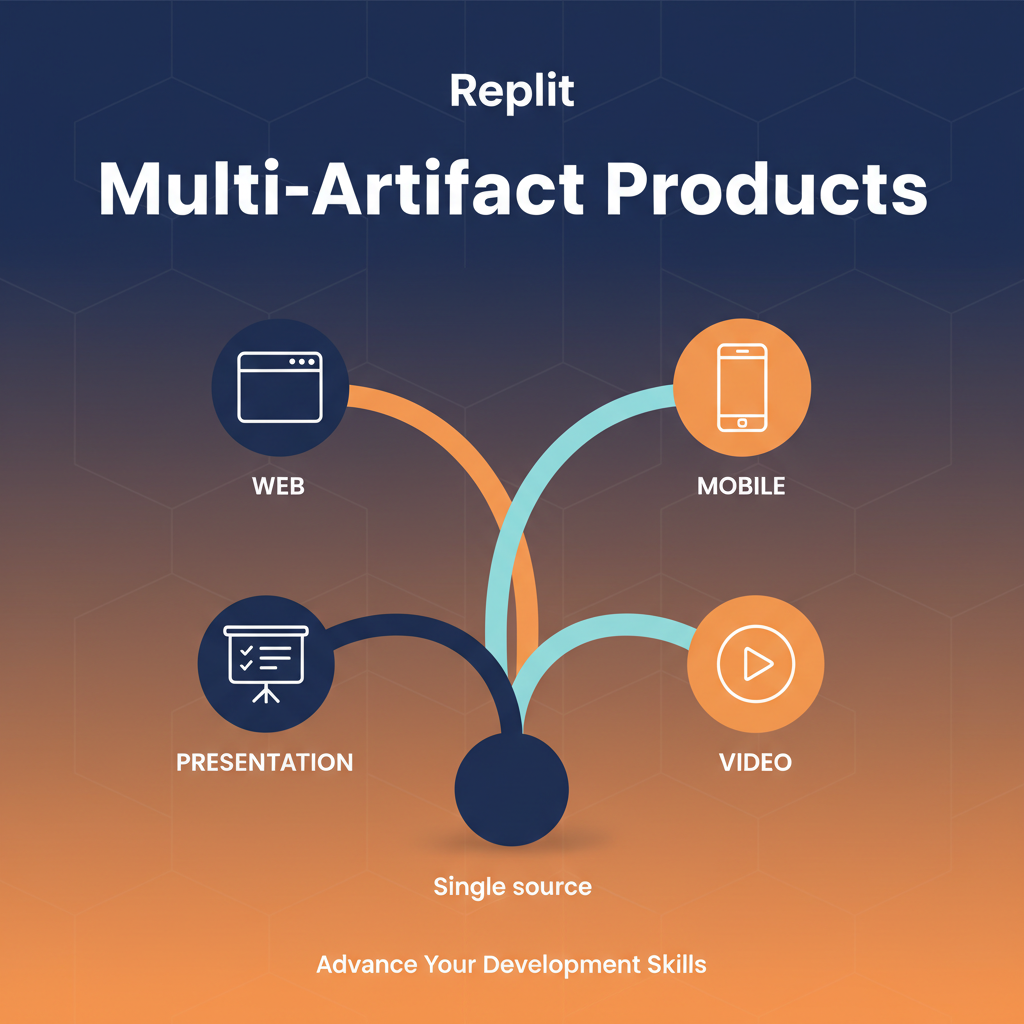
Multi-Artifact Products in Replit
Ship a product, a deck, and a demo video from one project.
A Replit project can contain web, mobile, decks, and videos that share the same code and data. Learn when to use this, and how to keep everything coherent.
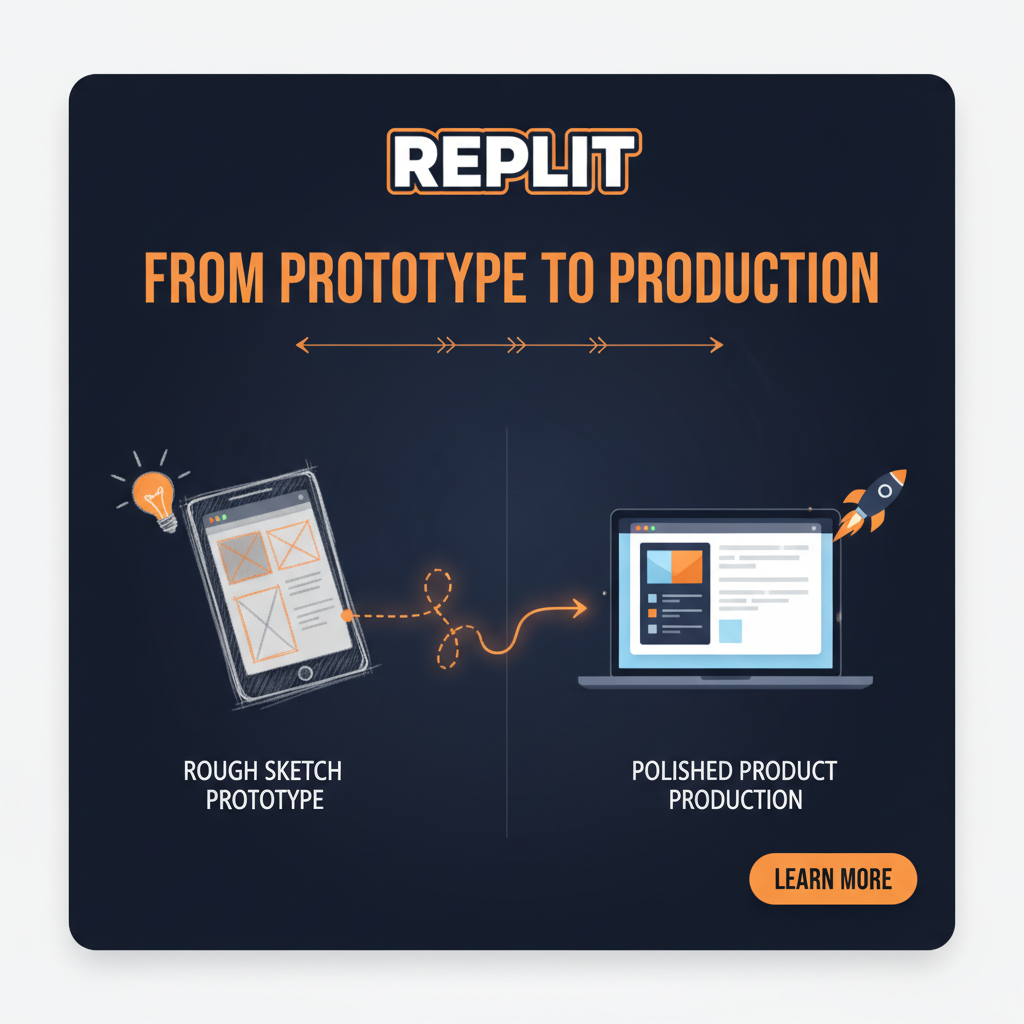
From Prototype to Production on Replit
Turn a demo that works into a product that holds up.
Harden your app across data, security, errors, and deployment. A reusable framework for moving from working prototype to production-ready product.
Prompt Engineering Foundations
The core skills behind writing prompts that actually work.
Learn what prompt engineering really is, what separates weak prompts from strong ones, and the repeatable framework you can use every day to get better results from any AI model.
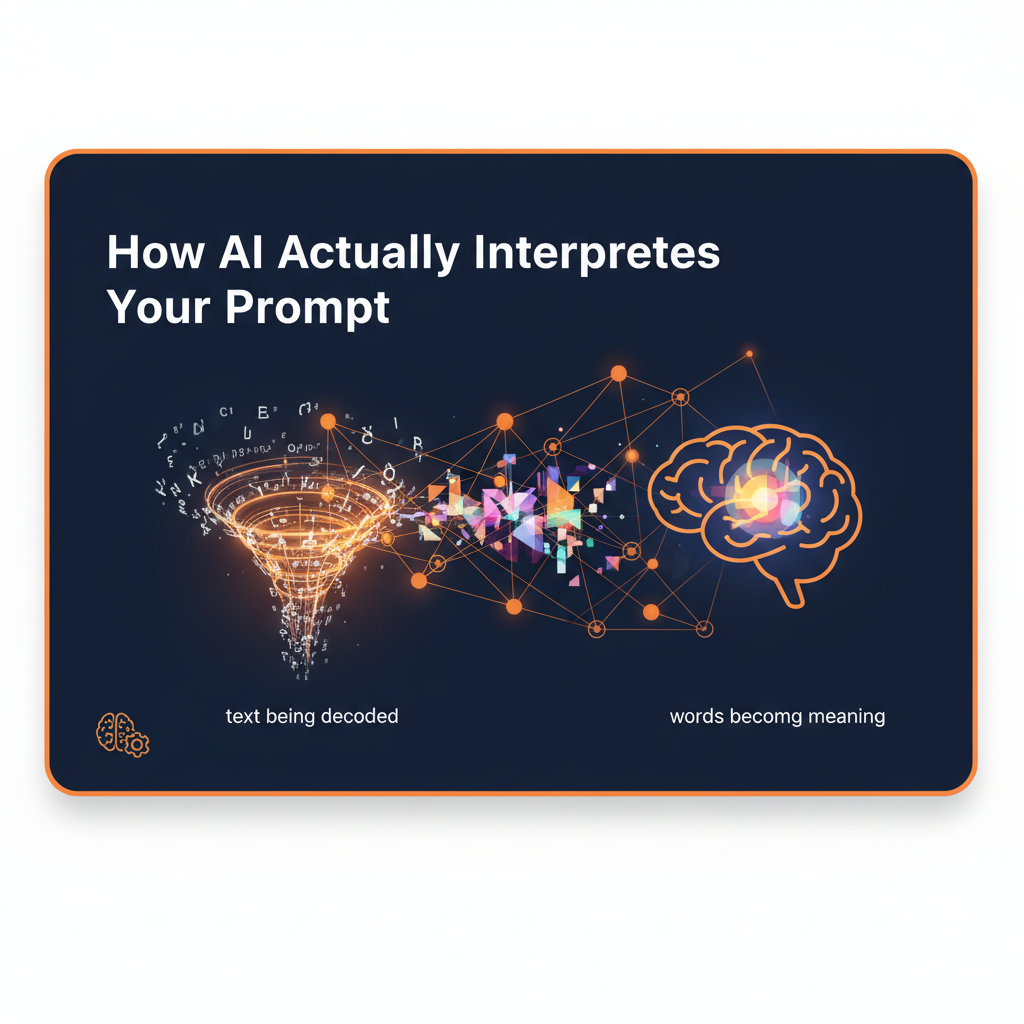
How AI Actually Interprets Your Prompt
Understand how models read instructions, context, and intent.
Get a mental model of how AI actually reads your words so you can predict its response, diagnose bad outputs, and write prompts the model can follow more easily.
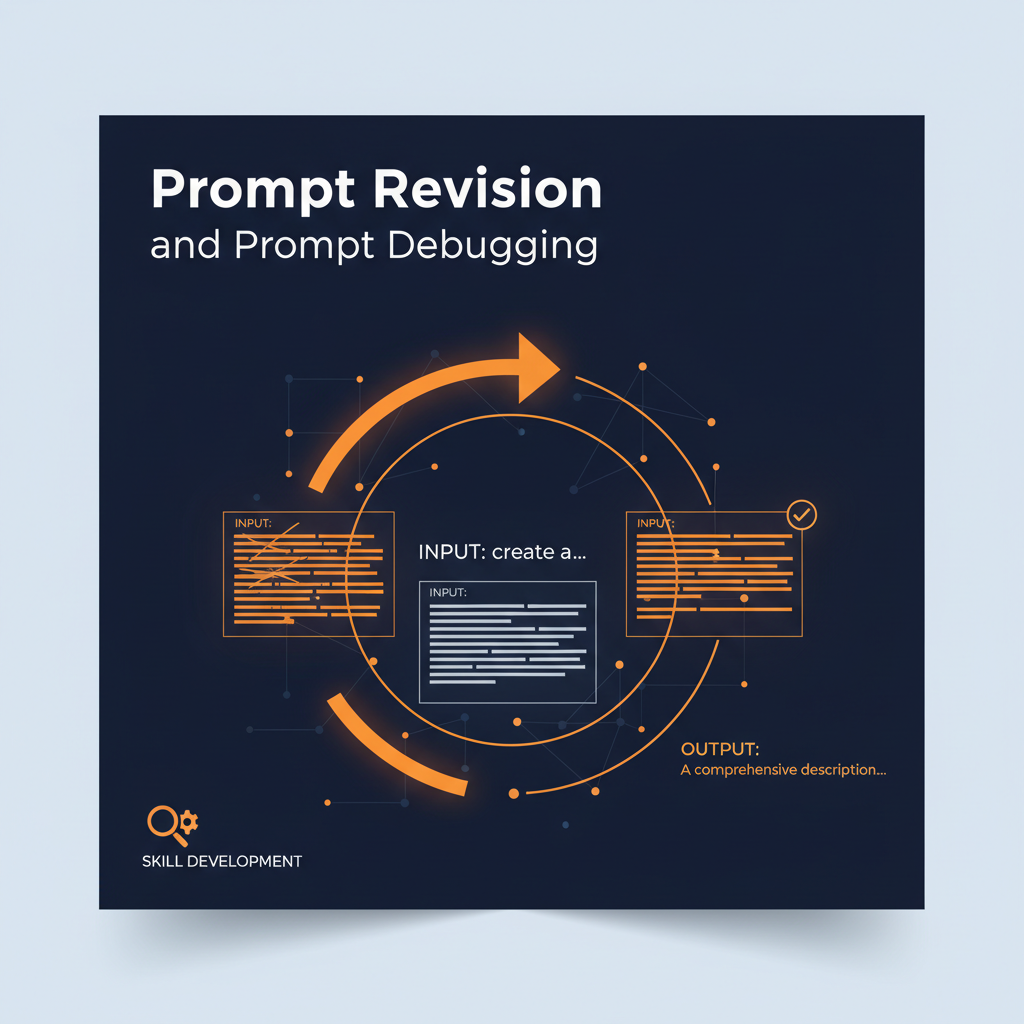
Prompt Revision and Prompt Debugging
Fix weak prompts and rescue bad outputs.
Learn how to diagnose what’s actually wrong with a prompt, rewrite it for clarity, and use a repeatable debugging checklist to get stronger results faster.
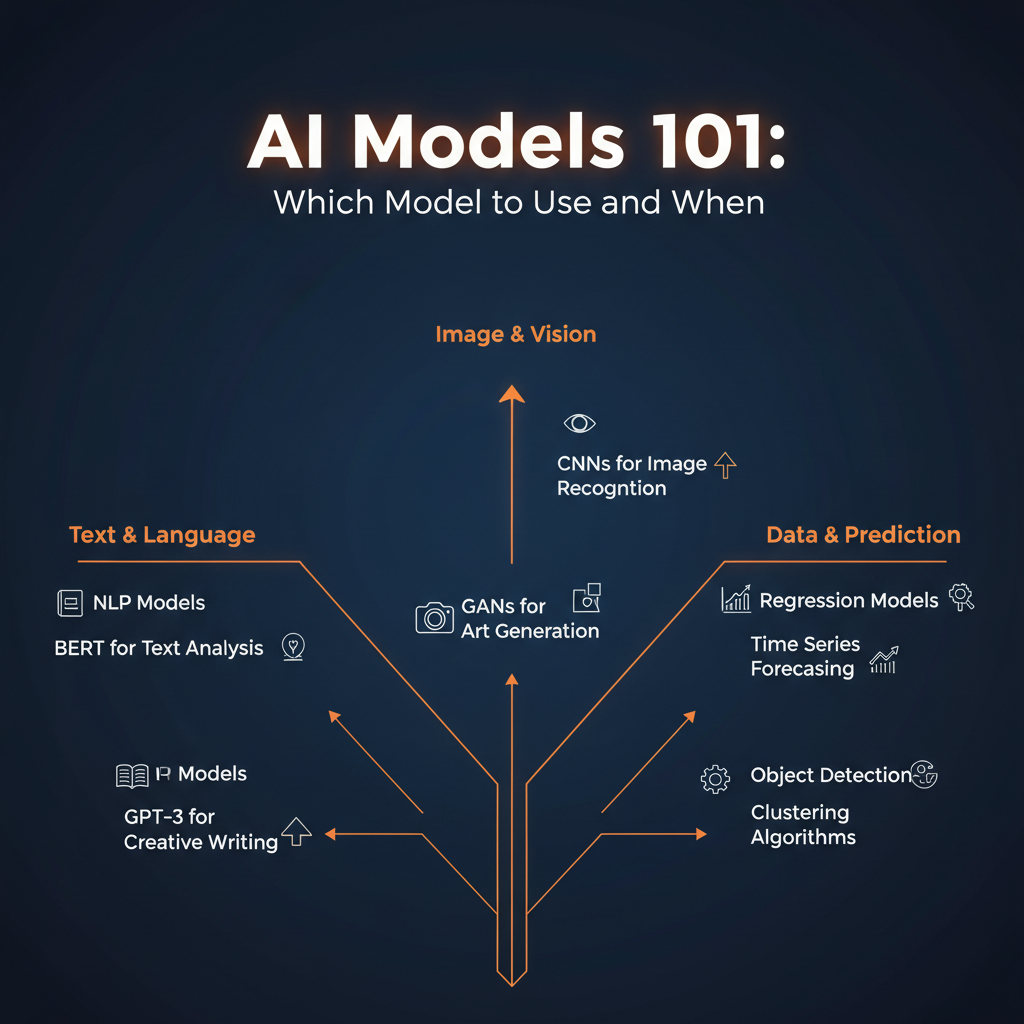
AI Models 101: Which Model to Use and When
Pick the right model for every job — and prompt it accordingly.
Understand the real differences between fast, reasoning, and creative models. Learn which model fits which task, and how to adjust your prompts to match each model’s strengths.
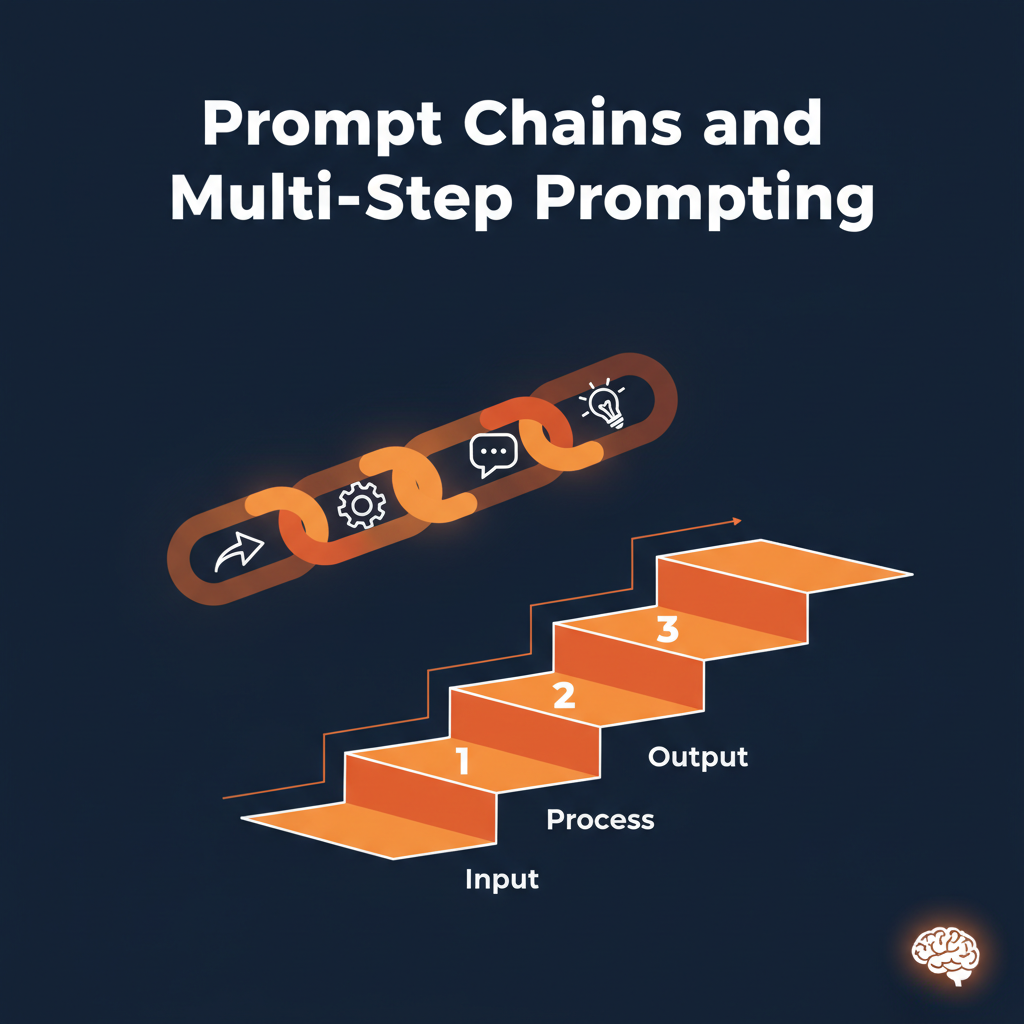
Prompt Chains and Multi-Step Prompting
Break big tasks into small prompts that build on each other.
Learn how to split complex work into a sequence of prompts — and how to keep the chain focused, coherent, and drift-free across content, strategy, and coding tasks.

From Prompting to Problem Framing
The best outputs come from framing the right problem first.
Move past reactive prompting. Learn to frame the real problem, define what success looks like, and convert messy ideas into prompts aimed at outcomes rather than guesses.
Go from curious to capable.
Choose Your Learning Path
Start with the skills that match your goals, experience, or industry.
Learn at Your Own Pace
Follow clear, practical lessons designed for busy professionals and beginners.
Build Real Projects
Use what you learn to create useful tools, workflows, and portfolio-ready projects.
Put Your Skills to Work
Apply your knowledge to your career, business, freelance services, or next big idea.
Who is Prompted Academy for?
Prompted Academy is designed for:
- Professionals preparing for the future of work
- Entrepreneurs who want to use AI in their businesses
- Freelancers looking to offer high-value AI services
- Developers who want to build faster
- Marketers who want to improve performance
- Career changers exploring new opportunities
- Beginners who want a clear place to start
If you are willing to learn, you can build valuable AI skills.
More than tutorials.
Watching someone else use AI is not enough.
Prompted Academy helps you understand what to do, why it works, and how to apply it outside the lesson. You will learn through practical examples, repeatable frameworks, and projects inspired by real business needs.
The goal is not simply to teach you how to use one tool.
The goal is to teach you how to think, build, and solve problems with AI.

Your next career move could start here.
You do not need to predict exactly where AI is going. You need the skills to move with it.
Start learning today and become the person who knows how to turn AI into real results.
Become an AI ExpertLearn at your own pace. Build practical skills. Create new opportunities.
Frequently asked questions
The future will be built with AI.
Learn how to be one of the people building it.
Start Learning With Prompted Academy